
 हिन्दी
 Bahasa Indonesia
 Español
 Português
 বাংলা
 العربية
 Français
 Deutsch
 اردو
 Tiếng Việt
How to use it
- Pick the preset that matches where the image goes.
- Drop your image and check the preview.
- Download and upload it.
Getting the LinkedIn banner size right
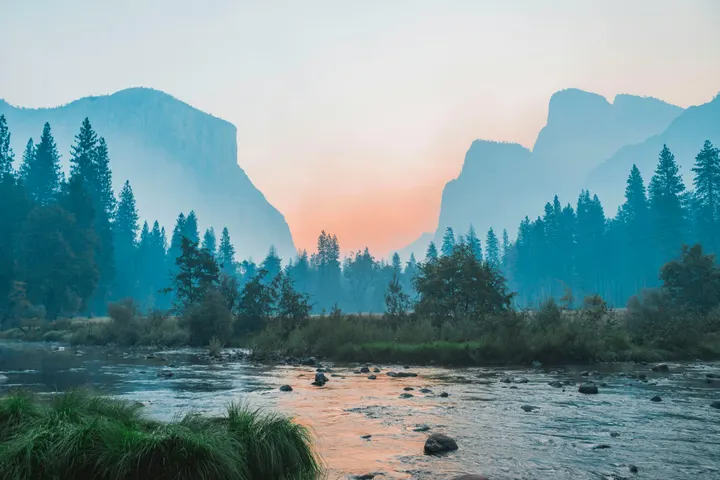
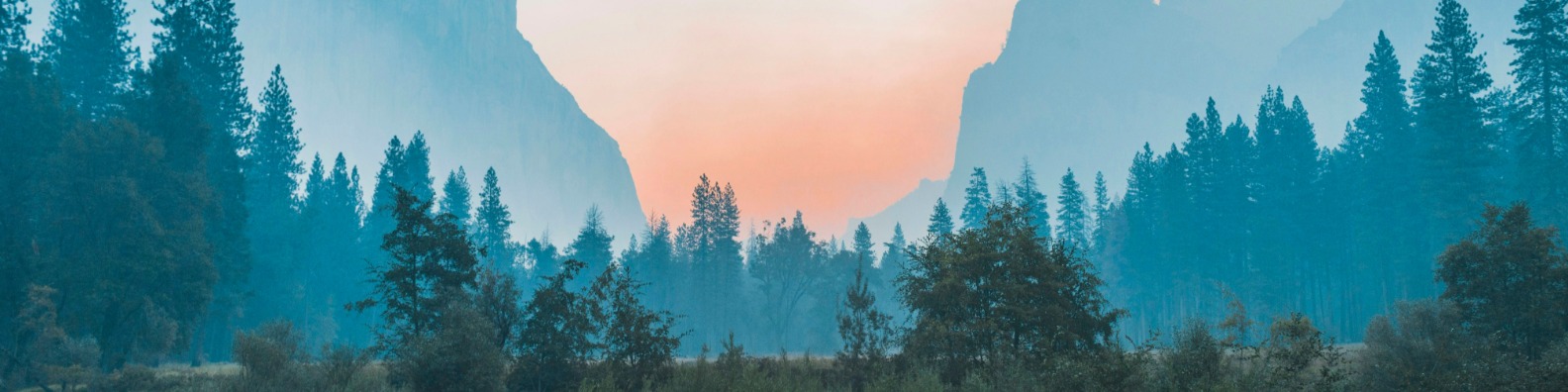
LinkedIn profile backgrounds are very wide (4:1). A normal photo uploaded as it is gets cropped to a thin strip, usually through the middle.
Your profile photo covers part of the lower left on most screens, so keep text towards the right or centre.
Questions
Does this work for a company page cover?
Company page covers use a different shape. Enter the size LinkedIn shows for your page type in Settings, with Fit set to crop or fit.
Is my photo uploaded to a server?
No. The resizing runs inside your browser with JavaScript, so the image never leaves your device. Once the page has loaded, resizing keeps working even if you go offline.