
 हिन्दी
 Bahasa Indonesia
 Español
 Português
 বাংলা
 العربية
 Français
 Deutsch
 اردو
 Tiếng Việt
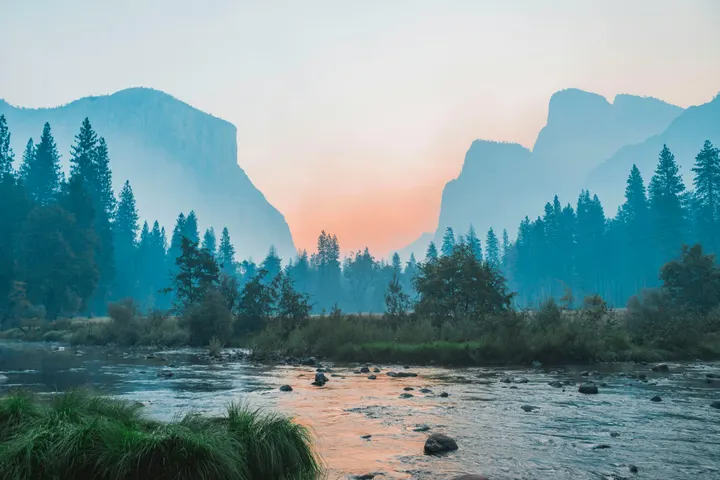
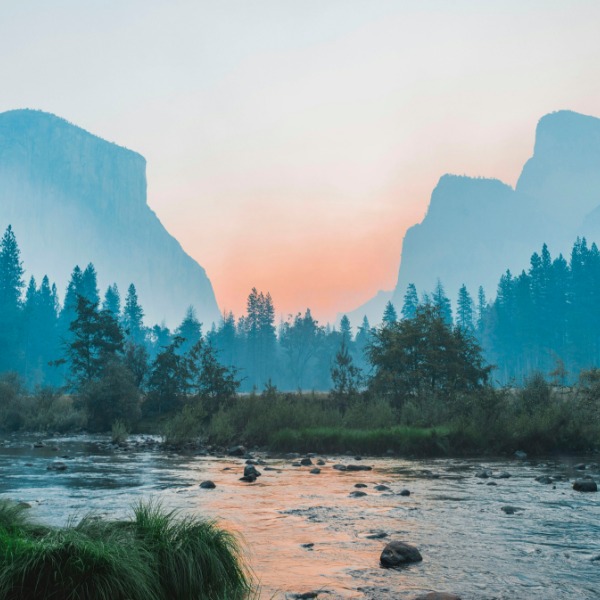
How to use it
- Choose "Crop to fill" or "Fit without cropping".
- Drop your image. The preview shows exactly what you will get.
- Download your 600 × 600 file.
Where 600 × 600 is used
It is the minimum size for a digital US visa photo, and a common square size for product images and forum avatars.
"Crop to fill" scales the image until it covers the whole 600 × 600 frame and trims the edges evenly. "Fit without cropping" keeps the entire picture and fills the empty space, so nothing important is lost.
Questions
Is 600 × 600 enough for a US visa photo?
It is the minimum the US State Department accepts for digital photos (up to 1200 × 1200). Use the US visa photo page to also keep the file under 240 KB.
Which part of the photo is kept when cropping?
The centre. The image is scaled to cover the frame and the extra is trimmed equally from both sides (or top and bottom). If your subject is off-centre, "Fit without cropping" keeps everything.
Is my photo uploaded to a server?
No. The resizing runs inside your browser with JavaScript, so the image never leaves your device. Once the page has loaded, resizing keeps working even if you go offline.