Resize image for album cover

Square 3000 × 3000 px cover art, ready for music distributors.

Preset

Drop images here, or paste with Ctrl+V

JPG, PNG, WebP, GIF or HEIC. Several at once is fine.

Settings size, KB limit, format, DPI
1 to 100, empty = automatic

    Your images are processed on this device and never uploaded.

    Crop image

    Drag the box to move it and the corners to resize. With the box focused, arrow keys move it and Shift+arrow keys resize it.

    Example with a real photo

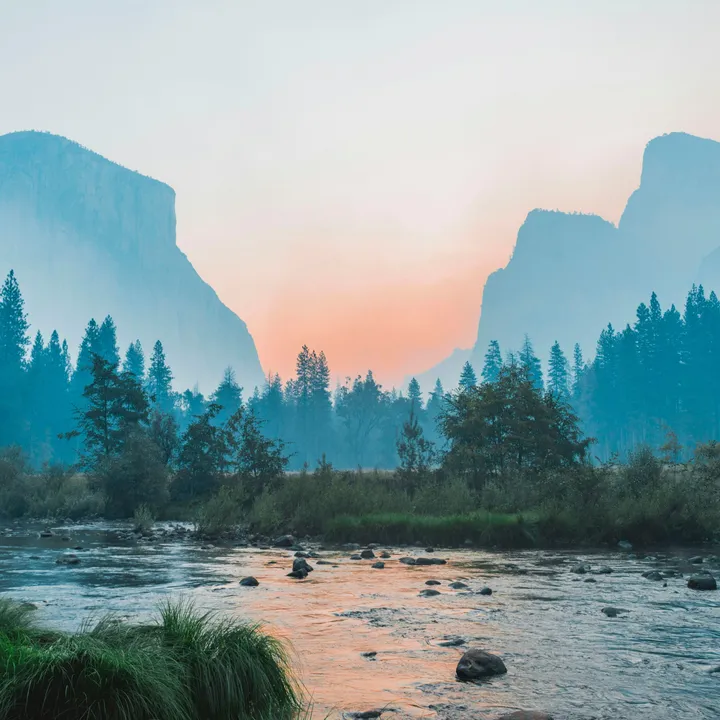
    We ran this tool on the photo below. These are the real results.

    Original4032 × 2691 px · 3.13 MB · JPG
    Result3000 × 3000 px · 2.10 MB · JPGShown smaller here; the numbers are for the full file.

    Photo: Unsplash

    What this page does
    Music cover3000 × 3000 px square
    Podcast artwork1400 to 3000 px square
    FormatJPG, high quality, RGB

    Platform sizes change from time to time. These are the commonly recommended sizes as of November 2026; check the platform's help centre if an upload is rejected.

    How to use it

    1. Pick the preset that matches where the image goes.
    2. Drop your image and check the preview.
    3. Download and upload it.

    Getting the album cover size right

    Distributors reject cover art that is not square or is below their minimum size. 3000 × 3000 pixels meets the common requirement for streaming services.

    This page saves at high JPG quality so the artwork stays crisp when shown full screen on phones and TVs.

    Questions

    What about text and logos on the cover?

    Distributors have their own content rules (for example about URLs or social handles on covers). The tool only handles size and format.

    Is my photo uploaded to a server?

    No. The resizing runs inside your browser with JavaScript, so the image never leaves your device. Once the page has loaded, resizing keeps working even if you go offline.