Make an image square without cropping

Keep the whole picture and add a border to make it square.

Preset

Drop images here, or paste with Ctrl+V

JPG, PNG, WebP, GIF or HEIC. Several at once is fine.

Settings size, KB limit, format, DPI
1 to 100, empty = automatic

    Your images are processed on this device and never uploaded.

    Crop image

    Drag the box to move it and the corners to resize. With the box focused, arrow keys move it and Shift+arrow keys resize it.

    Example with a real photo

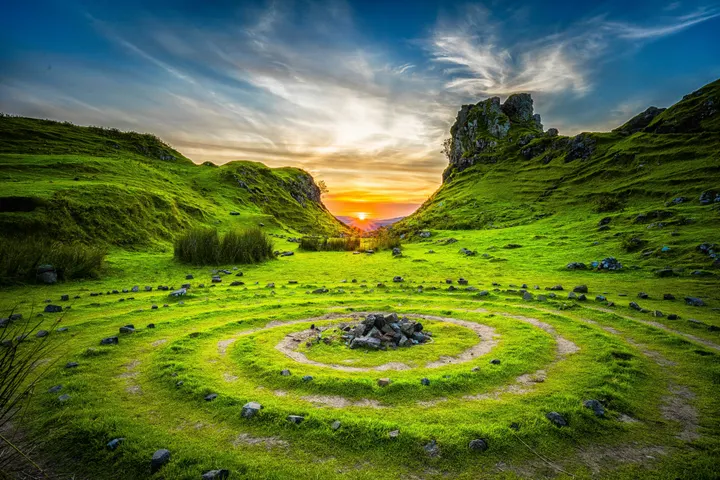
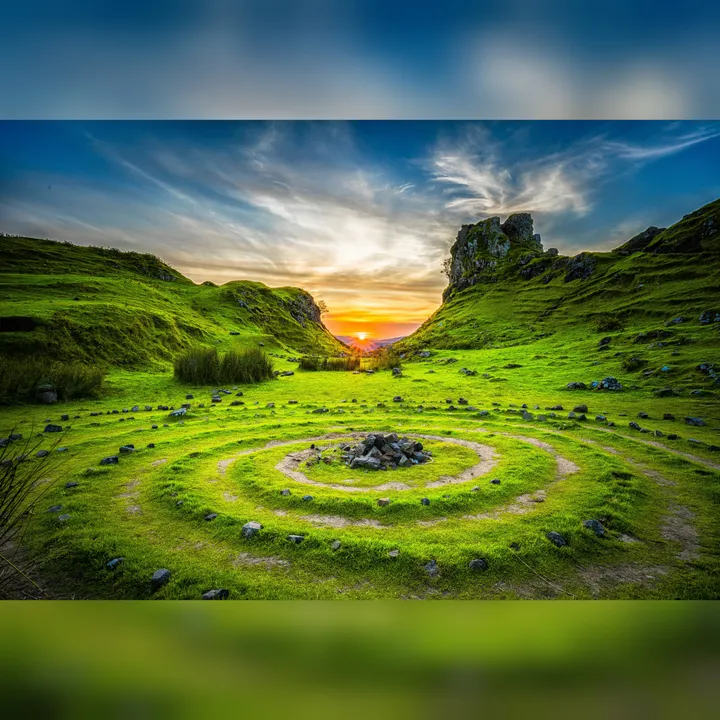
    We ran this tool on the photo below. These are the real results.

    Original4032 × 2690 px · 7.26 MB · JPG
    Result4032 × 4032 px · 5.27 MB · JPGShown smaller here; the numbers are for the full file.

    Photo: Unsplash

    What this page does
    Square sideThe longest edge of your photo (or 1080 px)
    BorderBlurred, white, black or transparent
    Nothing croppedThe full photo is kept

    How to use it

    1. Pick a border style.
    2. Drop your photo.
    3. Download the square version.

    Why make it square

    Profile pictures, marketplace listings and many social posts are square. Uploading a rectangle forces a crop, which can cut off heads, products or text. Adding a border keeps everything.

    Questions

    Is my photo uploaded to a server?

    No. The resizing runs inside your browser with JavaScript, so the image never leaves your device. Once the page has loaded, resizing keeps working even if you go offline.