
 हिन्दी
 Bahasa Indonesia
 Español
 Português
 বাংলা
 العربية
 Français
 Deutsch
 اردو
 Tiếng Việt
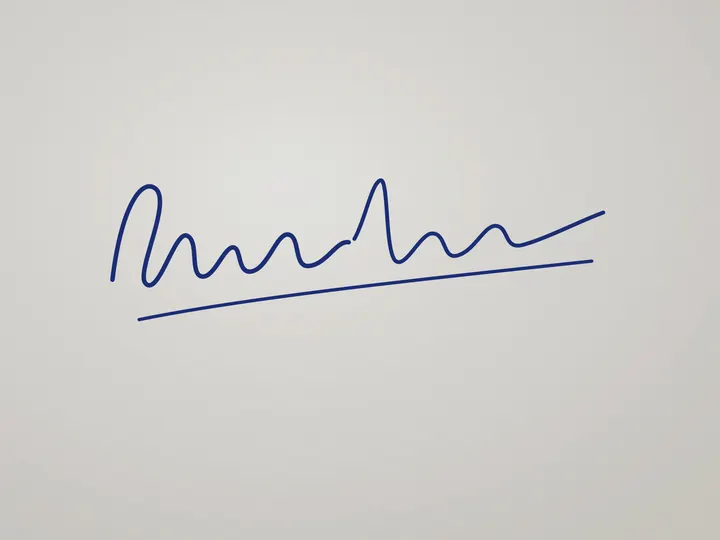

How to use it
- Sign on plain white paper and take a clear photo in daylight.
- Choose the signature preset and drop the photo.
- Download it and upload it in the SSC application.
SSC signature in three steps
Crop the photo of your signature tightly first, leaving a little white space on each side. The preset fits it inside 6 × 2 cm without stretching, makes the paper pure white and keeps the file between 10 KB and 20 KB.
Recent SSC exams take the candidate's photo live during the application, so you may only need the signature file. Older-style forms that still ask for an uploaded photo can use the photo preset.
Questions
Is it 6 × 2 cm or 4 × 2 cm?
Recent SSC notices list 6.0 cm × 2.0 cm. Older forms used other sizes, so check your exam's notice; you can change the width and height under Settings.
My signature comes out under 10 KB. Is that a problem?
The tool prevents it: if the compressed signature is under 10 KB, it is raised to the minimum without changing the picture.
Is my photo uploaded to a server?
No. The resizing runs inside your browser with JavaScript, so the image never leaves your device. Once the page has loaded, resizing keeps working even if you go offline.